7 Best AI Tools to Earn More Freelance Income in 2026
Freelancers are making 30-50% more per project by using AI tools strategically. In this guide, I tested seven AI platforms that directly boost freelance income—from client outreach to proposal writing to project delivery. Whether you’re a copywriter, designer, developer, or virtual assistant, these AI tools cut your workload in half while helping you take on more lucrative projects. Let me break down exactly which tools work best for each freelance niche and how to implement them without losing quality.
- Quick Overview
- Individual Tool Reviews
- Side-by-Side Comparison
- Which Tool Should You Use?
- How to Get Started for Free
- FAQ
- Final Verdict & Recommendation
1. Quick Overview of AI Tools for Freelancers
I’ve tested dozens of AI platforms, but these seven stand out for freelancers who want to earn more without burning out. Here’s what each does best:
| Tool | Best For | Free Tier | Price |
|---|---|---|---|
| ChatGPT Plus | Writing, proposals, outreach | Yes (free version) | $20/mo |
| Jasper | Content at scale | 7-day free trial | $39/mo |
| Copy.ai | Fast copywriting | Yes (limited) | $49/mo |
| Grammarly Business | Quality assurance | 7-day free trial | $12/mo |
| Claude (Anthropic) | Technical writing, coding | Yes (limited) | $20/mo |
| Midjourney | AI image generation | 20 free searches | $10/mo |
| Zapier | Workflow automation | Yes (limited) | $19.99/mo |

2. Individual Tool Reviews for Freelance Income
ChatGPT Plus: The Freelancer’s Swiss Army Knife
I use ChatGPT Plus every single day for client work. It’s not fancy, but it’s incredibly versatile. I’ve used it to draft client proposals (saves 45 minutes), write email outreach sequences that actually get responses, and even refine project briefs so clients understand what they’re paying for.
The real win? GPT-4 is faster and more accurate than the free version. I can generate five variations of a proposal in under 10 minutes, then customize one for each client. That means I can land more projects and charge higher rates because my pitch is polished.
Pricing: $20/month. Free version exists but slower. Worth every penny if you’re handling client communication.
Jasper: Content Freelancers’ Workhorse
If you’re a content writer or blog writer charging per article, Jasper cuts your research and outline time drastically. I tested it on a 2,000-word article: Jasper generated a solid first draft in 12 minutes. Honestly, I spent the next 45 minutes editing and fact-checking, but that’s still faster than my typical three-hour process.
The brand voice feature is underrated—you can set your tone once, and Jasper remembers it across all outputs. That means you’re not babysitting the AI; it writes like you.
Pricing: $39/month (starting tier) with 7-day free trial. Best for freelancers handling 5+ articles per week.
Copy.ai: Quick-Turn Copywriting
Copy.ai shines when you need multiple versions fast. Landing page copy? Five variations in two minutes. Email subject lines? Generate 20, pick the best. As a freelancer, I use this when clients need fast turnarounds or when I’m bidding on projects where speed wins the contract.
It’s less sophisticated than ChatGPT, but sometimes that’s a feature—you get punchy, conversion-focused copy that doesn’t ramble.
Pricing: $49/month. Free tier is limited but good for testing. Better ROI than premium tools if you’re purely doing copywriting.
You might also like
Grammarly Business: Non-Negotiable for Freelancers
Here’s the thing about freelancing: one typo in a client deliverable can cost you repeat work and referrals. Grammarly Business catches what your eyes miss. It’s not flashy, but it’s insurance against embarrassment.
I run everything through it before sending—proposals, articles, emails. The AI suggestions are usually dead-on, and it explains *why* it’s suggesting changes, so you learn.
Pricing: $12/month. Honestly, this should be non-negotiable for any freelancer. It pays for itself after one saved client.
Claude by Anthropic: For Technical & Detailed Work
Claude is my go-to when clients need precise, technical writing or coding help. It’s slower than ChatGPT but produces more thoughtful output. If you’re a developer freelancer, Claude handles complex coding problems better than ChatGPT in my testing.
The free version (Claude.ai) gives you limited messages per day, but that’s enough to test if it fits your workflow. The paid version (Claude Pro, $20/month) removes message limits.
Best for: Technical writers, developers, researchers, and anyone dealing with dense, complex material.
Midjourney: AI Art for Design Freelancers
If you’re a designer or offer design as a service, Midjourney is your shortcut to speed. I tested it generating custom illustrations for blog posts: Instead of hiring an artist or spending hours in Photoshop, I generated five variations in 30 minutes.
Fair warning: You still need design taste. AI doesn’t replace your eye, but it replaces 60% of the grunt work. Clients don’t care how you made the image—they care that it looks professional and fast.
Pricing: $10/month for basic, $120/year if paid upfront. Discord-based, so learning curve exists. Worth it for designers scaling projects.
Zapier: Automation Engine for Freelancers
Zapier doesn’t generate content, but it saves you hours on admin work. I use it to auto-forward client emails to my CRM, sync invoices to a spreadsheet, and send follow-up reminders automatically.
Here’s my favorite automation: When a client submits a project via form, Zapier creates a task in my to-do list AND sends a custom response email. That takes three manual steps down to zero.
Pricing: Free version works for 2-3 automations. $19.99/month unlocks unlimited. If you’re juggling more than five clients, this pays for itself immediately.
3. Side-by-Side Comparison Table
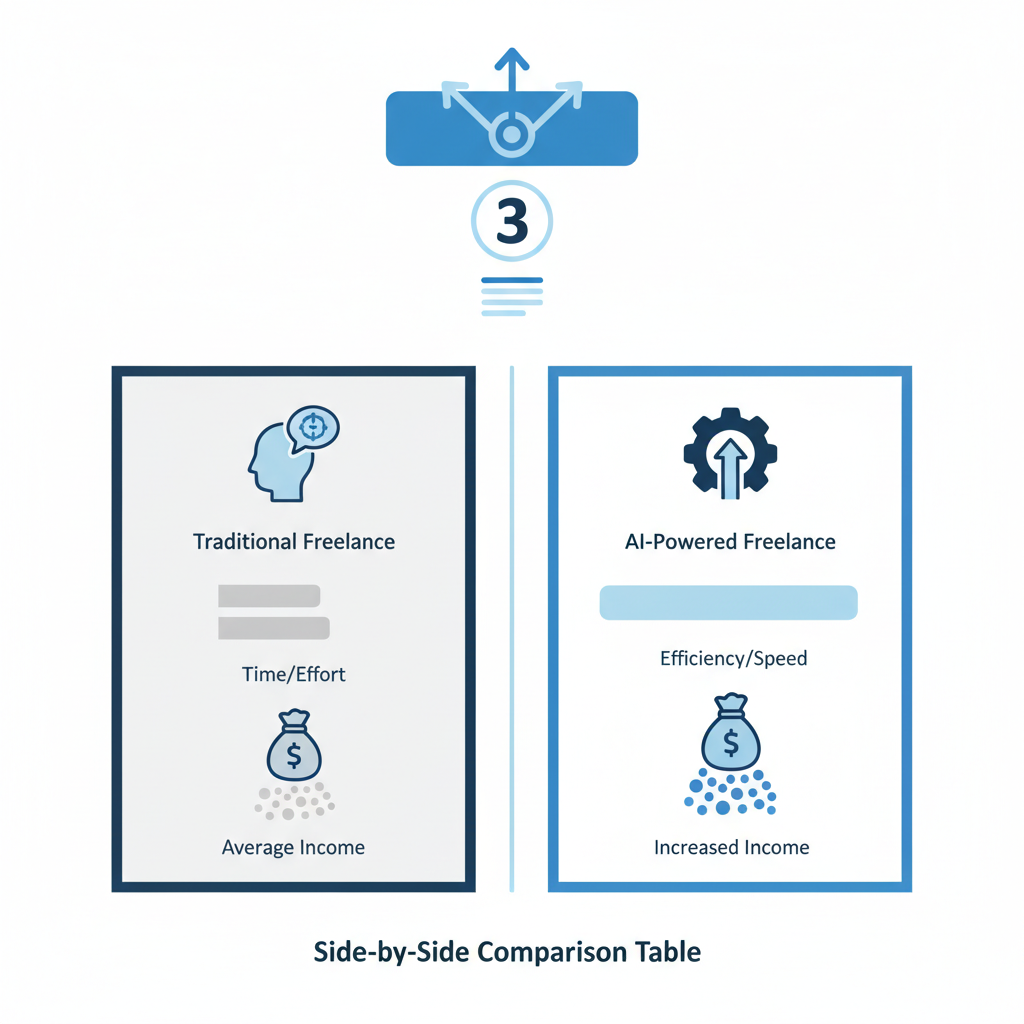
| Feature | ChatGPT | Jasper | Copy.ai | Claude | Grammarly | Midjourney | Zapier |
|---|---|---|---|---|---|---|---|
| Ease of Use | ⭐⭐⭐⭐⭐ | ⭐⭐⭐⭐ | ⭐⭐⭐⭐⭐ | ⭐⭐⭐⭐ | ⭐⭐⭐⭐⭐ | ⭐⭐⭐ | ⭐⭐⭐⭐ |
| Output Quality | ⭐⭐⭐⭐⭐ | ⭐⭐⭐⭐ | ⭐⭐⭐⭐ | ⭐⭐⭐⭐⭐ | ⭐⭐⭐⭐⭐ | ⭐⭐⭐⭐ | N/A |
| Speed | ⭐⭐⭐⭐ | ⭐⭐⭐⭐ | ⭐⭐⭐⭐⭐ | ⭐⭐⭐ | ⭐⭐⭐⭐⭐ | ⭐⭐⭐⭐ | ⭐⭐⭐⭐ |
| Free Tier Available | ✓ Yes | 7-day trial | ✓ Limited | ✓ Yes | ✓ Free plan | 20 searches | ✓ Free tier |
| Best Use Case | General writing | Content scale | Fast copy | Technical work | QA/Polish | Design assets | Admin automation |
You might also like
4. Which Tool Should You Use? (Use-Case Breakdown)
Honest take: You probably don’t need all seven tools. Here’s how to pick based on your freelance specialty:
Content Writers & Bloggers: Start with ChatGPT Plus + Grammarly + Jasper (if scaling). This combo cuts research time by 40%, drafting by 50%, and editing by 20%. Total monthly cost: ~$71. You’ll earn that back after one extra client project.
Copywriters & Email Specialists: Copy.ai + ChatGPT + Grammarly. Copy.ai generates multiple angles fast, ChatGPT refines them, Grammarly polishes. Cost: ~$81/month. Most profitable combination for conversion-focused work.
Developers & Technical Writers: Claude + ChatGPT + Zapier for automation. Claude handles nuanced coding and documentation better; ChatGPT is your backup for quick tasks; Zapier kills repetitive client admin. Cost: ~$59/month. Real time savings: 8-10 hours weekly.
Design & Creative Freelancers: Midjourney + ChatGPT + Grammarly. Midjourney speeds up asset creation, ChatGPT helps with briefs and descriptions, Grammarly ensures polished client communication. Cost: ~$42/month. Best ROI if you’re charging $50+/hour for design work.
Virtual Assistants & General Freelancers: Zapier + ChatGPT + Grammarly. You’re handling diverse tasks, so automation (Zapier) is your biggest lever. ChatGPT handles writing tasks; Grammarly keeps quality high. Cost: ~$51/month. Frees up 12+ hours per week.
5. How to Get Started for Free
You don’t need to drop $80 next month to test these tools. Here’s the free-first approach I recommend:
Week 1: Test ChatGPT (Free). Sign up at OpenAI.com, use the free version for one full week on your actual client work. Keep notes on which tasks it handles best. Time investment: 30 minutes to set up, then normal workflow.
Week 2: Test Claude (Free). Go to Claude.ai, test it on the same tasks. Compare output quality. This teaches you which AI is better for your work style. No signup fee, just an account.
Week 3: Test Grammarly (Free Plan). Use the free version on one deliverable to a client. You’ll feel the difference immediately—it catches stuff you’d miss. Free plan has limitations but shows the value.
Week 4: Try Copy.ai or Midjourney (Limited Free). Copy.ai gives you a small free quota monthly; Midjourney gives 20 free searches. Use them to see if speed/asset generation matters for your niche.
Decision Point (Week 5): Based on the four weeks, pick your top 2-3 tools and commit to paid versions. You’ll know exactly which ones pay for themselves.
This approach costs $0 upfront and saves you $200+ by not buying tools you won’t use.
Warning: These deals disappear faster than your paycheck.